Calculating the geodesic distance among cities
I'm spending a few days in Brazil with my family, after a very long year (full of strong emotions).
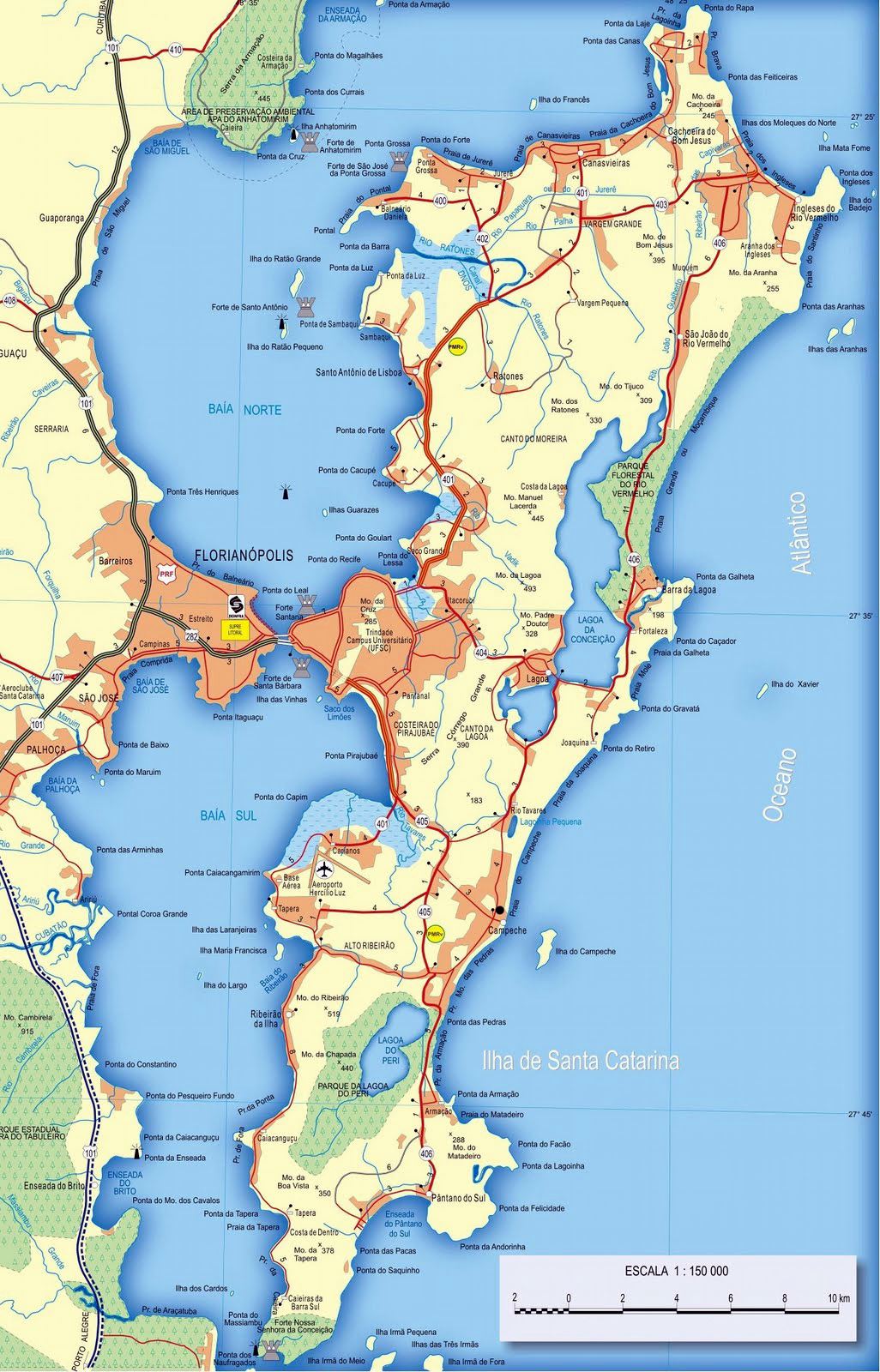
Although we are in an island, "Ilha de Santa Catarina", it is easy to realize that distances between cities in this Country are no joke. You name it… think in a couple of cities, and find the distance that separates them. You'll be amazed!
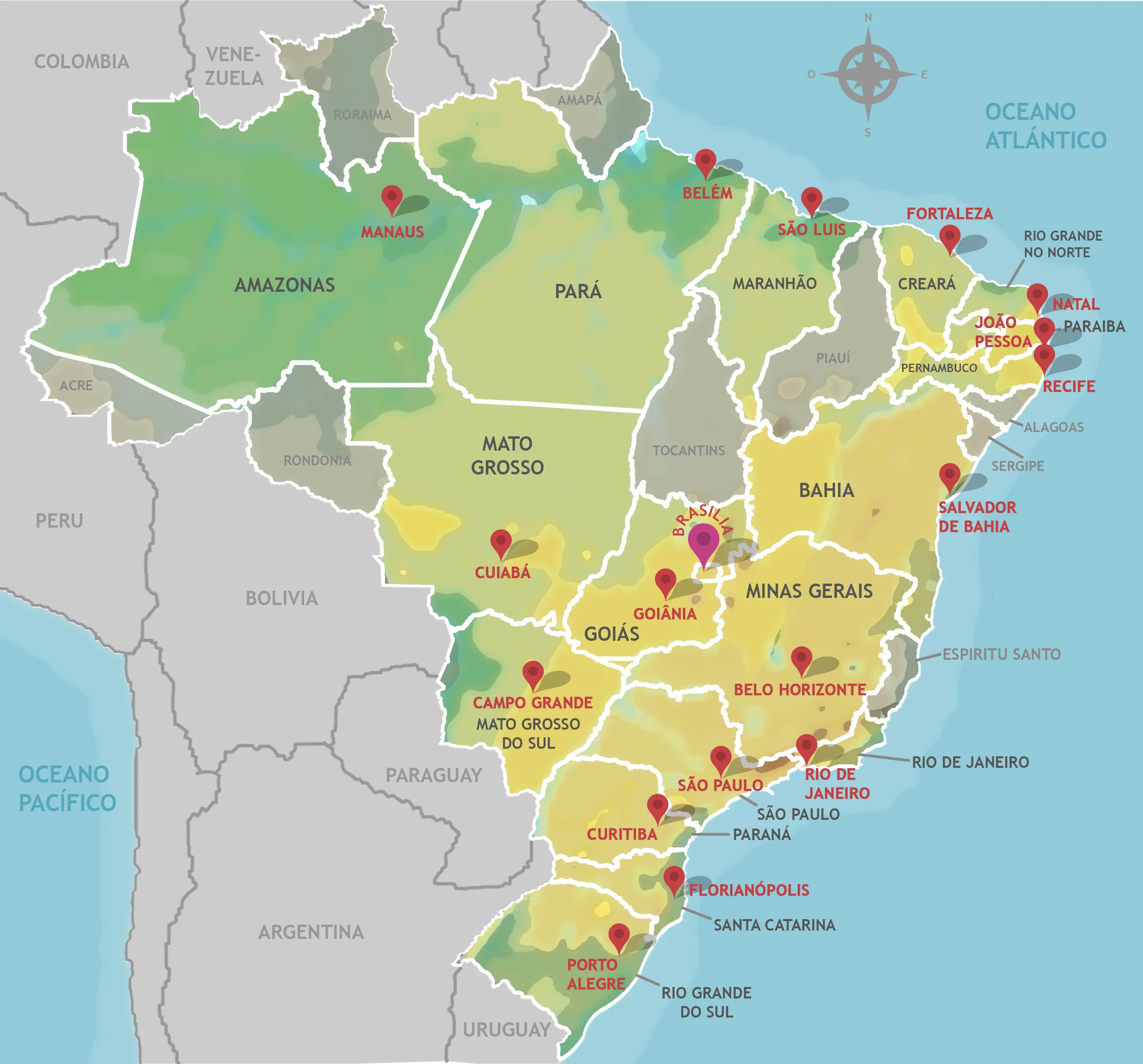
According to internet, the latitude and longitude of the 20 largest cities of Brazil are the following:
city_coords = {
    "São Paulo":       (-23.5505, -46.6333),
    "Rio de Janeiro":  (-22.9068, -43.1729),
    "Brasília":        (-15.8267, -47.9218),
    "Salvador":        (-12.9777, -38.5016),
    "Fortaleza":       (-3.7319,  -38.5267),
    "Belo Horizonte": (-19.9167, -43.9345),
    "Manaus":          (-3.1190,  -60.0217),
    "Curitiba":        (-25.4284, -49.2733),
    "Recife":          (-8.0476,  -34.8770),
    "Porto Alegre":   (-30.0346, -51.2177),
    "Goiânia":         (-16.6786, -49.2550),
    "Belém":           (-1.4558,  -48.5044),
    "Guarulhos":       (-23.4548, -46.5333),
    "Campinas":        (-22.9056, -47.0608),
    "São Luís":        (-2.5307,  -44.3068),
    "São Gonçalo":     (-22.8222, -42.9625),
    "Maceió":          (-9.6658,  -35.7350),
    "Duque de Caxias": (-22.7856, -43.3115),
    "Nova Iguaçu":     (-22.7595, -43.4528),
    "Natal":           (-5.7950,  -35.2094)
}
Introducing geopy
In python there is a client for several geocoding web services, geopy, that allows us to obtain and manipulate geographic information. It was released on 23rd November 2023, and currently in its version 2.4.1. Before continuing, I'd like to thank the maintainers of the client: Kostya Esmukov and uijl.
geopy can be installed via pip using the command:
pip install geopy
In manjaro I used the command:
sudo pacman -Ss python-geopy
Obtaining the coordinates using geopy
It is possible to obtain the coordinates of every city using the geopy client.
from geopy.geocoders import Nominatim
geolocator = Nominatim(user_agent="doxdrum") # Use a personal agent name
location = geolocator.geocode("Rio de Janeiro, Brazil")
print((location.latitude, location.longitude))
(-22.9110137, -43.2093727)
In the code above, I used the user agent "doxdrum" which is an alias I use in some web platforms. You might substitute it by any string, it is not associated to an account or anything.
Calculating distances between cities
In order to calculate the distances between the cities, geopy uses the geodesic function.
from geopy.distance import geodesic
from itertools import combinations
from random import sample

city_coords = {
    "São Paulo":       (-23.5505, -46.6333),
    "Rio de Janeiro":  (-22.9068, -43.1729),
    "Brasília":        (-15.8267, -47.9218),
    "Salvador":        (-12.9777, -38.5016),
    "Fortaleza":       (-3.7319,  -38.5267),
    "Belo Horizonte": (-19.9167, -43.9345),
    "Manaus":          (-3.1190,  -60.0217),
    "Curitiba":        (-25.4284, -49.2733),
    "Recife":          (-8.0476,  -34.8770),
    "Porto Alegre":   (-30.0346, -51.2177),
    "Goiânia":         (-16.6786, -49.2550),
    "Belém":           (-1.4558,  -48.5044),
    "Guarulhos":       (-23.4548, -46.5333),
    "Campinas":        (-22.9056, -47.0608),
    "São Luís":        (-2.5307,  -44.3068),
    "São Gonçalo":     (-22.8222, -42.9625),
    "Maceió":          (-9.6658,  -35.7350),
    "Duque de Caxias": (-22.7856, -43.3115),
    "Nova Iguaçu":     (-22.7595, -43.4528),
    "Natal":           (-5.7950,  -35.2094)
}

distances = list()
cities = list(city_coords.keys())

for city_a, city_b in combinations(cities, 2):
    coord_a, coord_b = city_coords[city_a], city_coords[city_b]
    km = int(round(geodesic(coord_a, coord_b).kilometers))
    distances.append((city_a, city_b, km))

num_samples = 10
sample_distances = sample(distances, num_samples)
for item in sample_distances:
    print(item)
('Fortaleza', 'Nova Iguaçu', 2171)
('Recife', 'Maceió', 202)
('Manaus', 'Maceió', 2781)
('São Paulo', 'Manaus', 2681)
('Recife', 'São Luís', 1210)
('Salvador', 'Curitiba', 1782)
('Salvador', 'Natal', 873)
('Belo Horizonte', 'Porto Alegre', 1340)
('Guarulhos', 'Campinas', 81)
('Manaus', 'Guarulhos', 2678)
Conclusions
The client geopy allows us to locate the coordinates of addresses, cities, countries, and landmarks across the globe, with ease, using a variety of data sources and third-party geocoders.
The geodesic distance calculated by geopy uses by default the method proposed by Karney, based in a elliptic model of the Earth. However, it allows to use a handful of other models, including the spherical approximation, through the function great_circle.
I encourage you to check out the documentation.